


The Dhaka Times Desk Most Android users don't have fingerprint security. But luckily, there are other ways to strengthen your smartphone's security besides fingerprints. Today this tutorial is about those three methods.
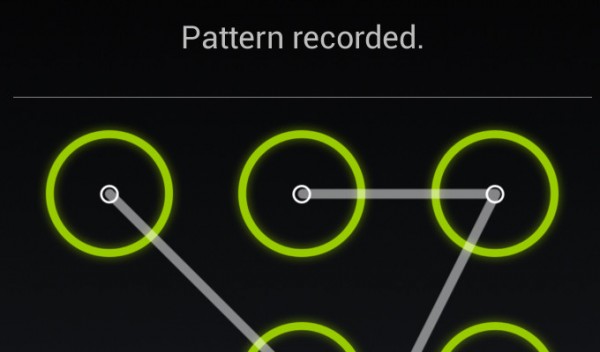
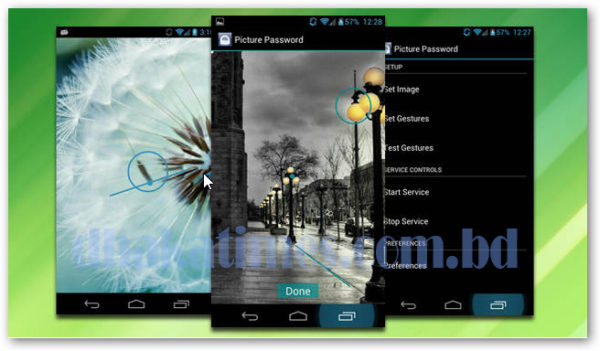
Hidden Pattern Lock Method:
Android has a pattern lock system with PIN or password number. If that's not to your liking, there is a feature to lock the pattern into the image. Android's default pattern lock method allows you to break your lock with a variety of combinations, but if you use a picture, the process becomes very complicated. Because no one but you can tell where you have locked the pattern in a picture.
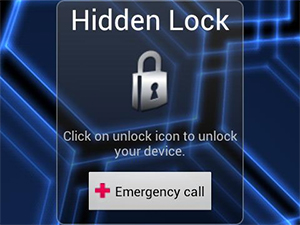
Hidden Lock Method:
This is the name of an app that is available for free on the Google Play Store from It's very simple to use, no password required, no pattern screen, or even a code. It has an icon that only you know how to unlock the smartphone, no one else can unlock it even if they fiddle with the lock icon all day!
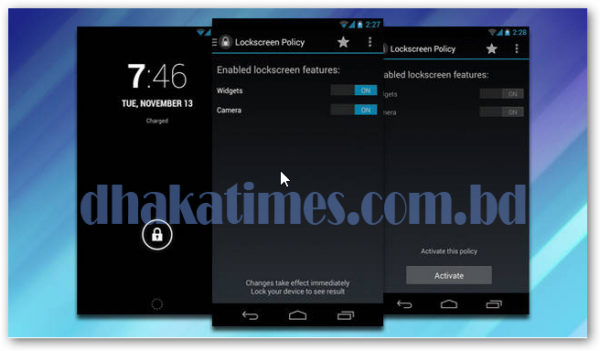
Pesky Security Method:
You can choose this method when neither lock screen nor hidden lock can solve your worries. Android 4.2 version has lock screen widgets. It will remember your face with the camera, and unlock by matching your face when unlocking. You can also login to it using your used email if you want.

 English
  Bengali