


The Dhaka Times Desk Your Android phone has several hidden features. You never know about that. Find out about some hidden features in your Android phone today.
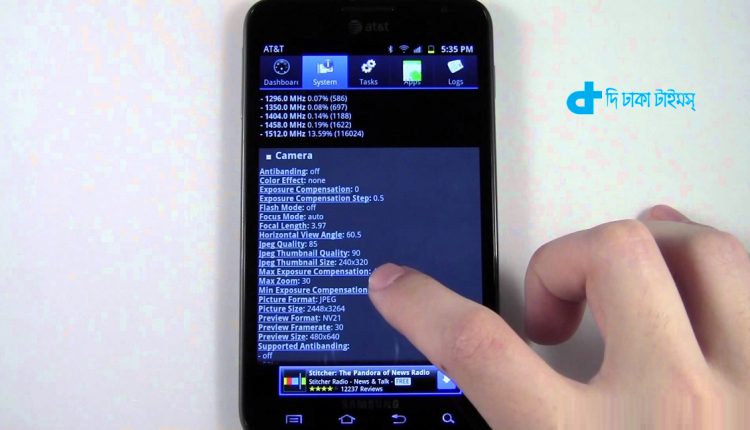
If you are using an Android phone, then your mobile phone has some features that you might never have known about. Learn about those 'secret' features today.
You can listen to the message, but how?
You can read the message on the phone normally. Ever felt that it would be nice to hear a message from a loved one. Your phone has that feature! Go to accessibility option in phone settings. Now click the text to speech output option and listen to the message in your own ears.
To control the android by shaking the head
You may be driving or busy with some work. It has become necessary to use mobile phones again. Do you know how you can get the necessary tasks done without using your hands on your mobile phone? For that you have to install 'Eva Facial Mouse'. With this app you can control your android just by shaking your head.
How to keep some information secret as you wish
Lending your mobile phone to call a friend? But you want your important information to remain private. Then turn on the 'guest mode' of the mobile phone. For that click on the mobile phone user icon. Then the guest icon will appear. Now you will have options which information you will show and which information you will keep hidden. Then you can do it as you want.
How to know the location of a lost phone
Go to your phone settings and go to security options. Now click on the box just to the left of the option that says Device Administrators. The feature of this option is that if your phone is lost for any reason, you will know its location. Then you can lock the information in case of emergency.
Zoom in on the small icon of the mobile phone
Many people find it difficult to see the small icons of mobile phones. Then if you have eye problems then more problems. Learn how to enlarge any of your mobile phone display options today. First go to Settings and go to Magnification in Accessibility option. Now you can zoom in on any icon.
3G modem or router works
You don't need to buy a separate 3-G modem or router for the hotspot. Your mobile phone has those options. Go to mobile phone settings and go to tethering and portable hotspot option. Now turn on the portable WLAN hotspot.
There are fun games hidden in mobile phones
Fun games are hidden in your mobile phone. But you don't know that. To open it, go to Settings. Now go to 'About Phone' or 'About Tablet' option. Tap multiple times on the Android version, tap the marshmallow when it appears. Only then will the fun games open. Of course this feature is only available on Android 2.3 Gingerbread version.

 English
  Bengali